Automation Workflows - Smart Marketing Automation Without Code
Design intelligent, multi-channel workflows that automate repetitive tasks, engage customers, and boost conversions. Campaign Builder empowers ecommerce stores, agencies, and in-house marketing teams to build and scale automation workflows without technical expertise.
No credit card required • 14-day free trial • Setup in 5 mins.
What Are Marketing Automation Workflows
Marketing automation workflows are sequences of actions triggered by user behavior or pre-defined rules. These sequences can send emails, SMS messages, launch ads, update CRM records, or trigger follow-ups - all automatically. By automating these processes, teams save time, reduce errors, and deliver personalized experiences to customers at every stage of the journey.
Instant Lead Sync
Automatically send new contacts from your forms and popups to tools like Mailchimp, Pipedrive, and Klaviyo
Trigger Emails & SMS
Send personalized transactional messages right when your leads sign up, purchase, or take action.
Streamlined Lead Management
Keep your CRM and marketing tools updated without manual data entry - every lead is tracked and nurtured automatically.
Optimized Timing & Targeting
Reach your audience at the right moment with precise triggers and automation rules to maximize engagement.
Get started with workflow automation
Follow these five steps to build automated workflows that streamline your processes and keep everything running - without manual effort.
From triggers and logic to execution and scaling - build workflows that connect your tools and automate your marketing operations.
Event-based triggers
Start workflows automatically based on changes in data, schedules, or user actions.
Visual workflow builder
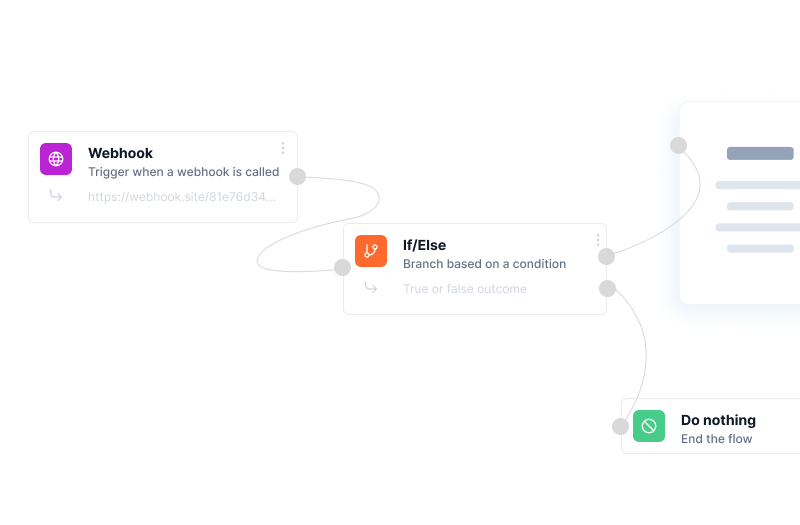
Create and manage workflows with an intuitive, no-code interface.
Conditional logic
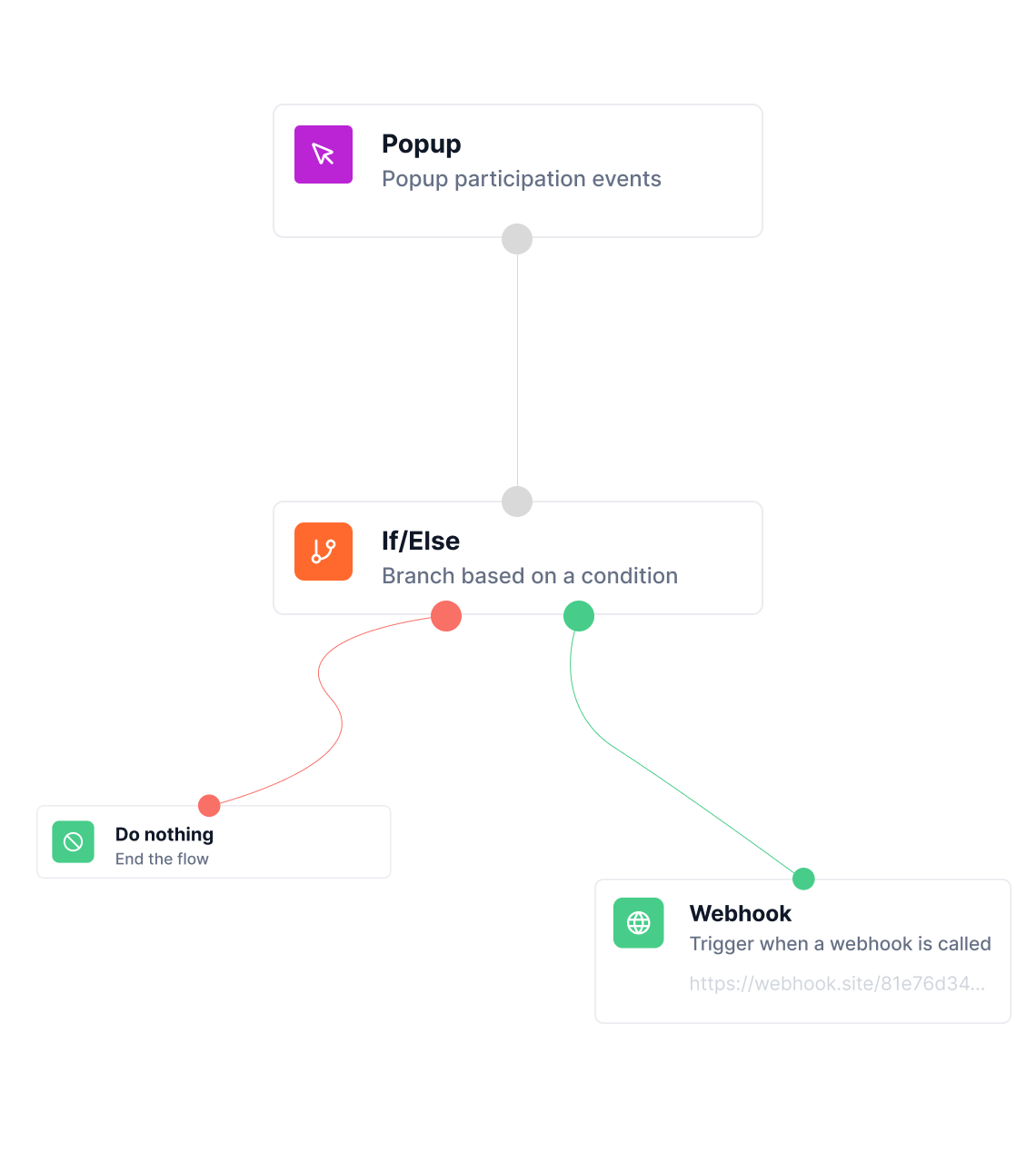
Control your workflows with rules and conditions tailored to your data and processes.
Cross-product automation
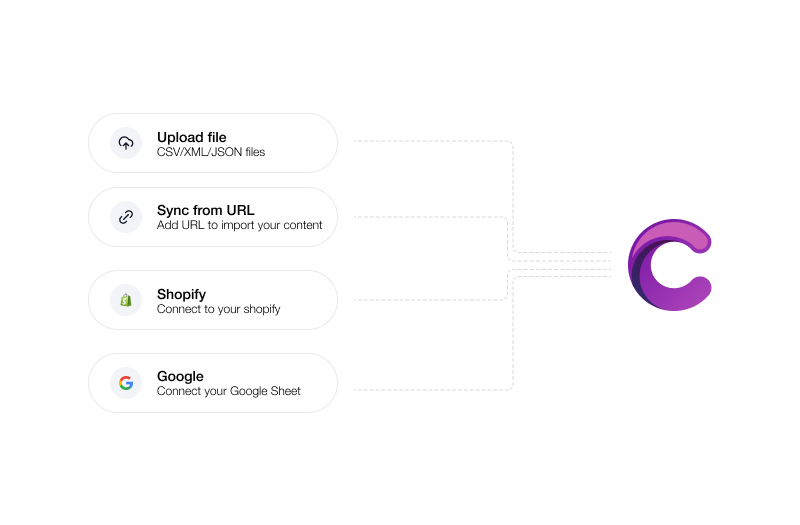
Connect your ads, feeds, forms, and creatives into one seamless workflow.
Scheduled automation
Run workflows at specific times or intervals to keep everything up to date.
Bulk actions
Execute actions across large datasets, campaigns, or creatives in one go.
Real-time updates
Ensure your campaigns and assets stay synced with live data automatically.
Scalable infrastructure
Handle complex workflows and large volumes without increasing manual effort.
Frequently asked questions
Everything you need to know about workflows.
What actions can trigger a workflow?
Workflows can trigger on form submissions, popup interactions, SMS responses, page visits, cart activity, or custom events.
Can workflows run across email, SMS, and ads?
Yes - Campaign Builder supports multi-channel workflows, enabling sequences that include emails, SMS messages, and even ad triggers.
Are workflows easy to manage without coding?
Absolutely - the visual drag-and-drop builder lets you create complex workflows with simple logic and rules.
How do I measure workflow performance?
Each workflow includes analytics showing opens, clicks, conversions, and goal completions, so you can optimize results continuously.
Create More Workflows. In Less Time
Ready to Automate Your Marketing and Boost Results?
Start creating smart, multi-channel workflows that save time, increase conversions, and deliver personalized experiences - all without writing a single line of code.