Scale Your Catalog Ads. Boost Your ROAS. Instantly.
Stop juggling feeds, creatives, and campaign rules across multiple tools. Campaign Builder transforms your product feed into performance-driven catalog ads in minutes. Automate creative generation, validate your data, and launch campaigns across multiple networks - all from one structured platform.
No credit card required • 30-day free trial • Setup in 5 mins.
Compatible with the major channels
What Are Catalog Ads?
Catalog ads, also known as dynamic product ads (DPAs), automatically display the right product to the right person at the right time. By using your product feed - including images, prices, and availability - these ads create personalized campaigns that boost engagement and conversions.They’re essential for ecommerce growth and are widely used on Meta (Facebook & Instagram), Google Shopping, and other ad networks.
Multi-channel DPAs
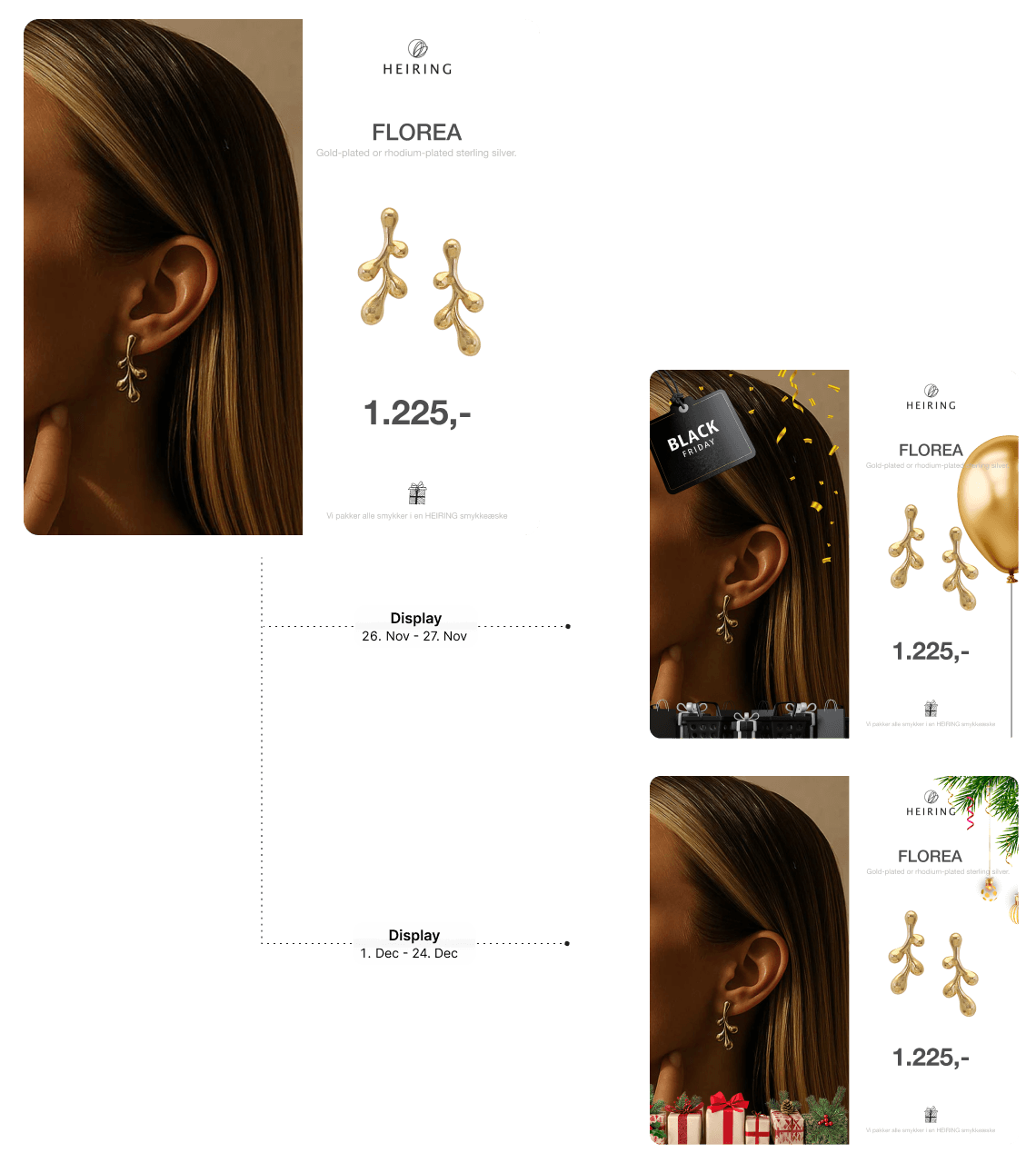
Turn Your Basic white background Product Images into High-Converting Dynamic Product Ads
Full SKU Design Preview
Instantly review all SKUs inside your template to catch errors and ensure consistent, high-quality catalog ads.
Customize Your Product Feed
Filter, edit, and map attributes to createthe perfect feed - tailored exactly to your needs.
One PlatformEvery Channel
Push your products to Meta, Google, TikTok,and more - no juggling, all from one place.
Get started with DPA ads
Follow these five steps to transform your product catalog into high-performing dynamic ads that are generated from your product feed, automatically updated in real time, and designed to scale effortlessly as your catalog, channels, and campaigns expand.
Create dynamic ads directly from your product feed and keep them continuously updated across all channels.
Feed integrations
Connect your product feed in minutes via URL, file upload, or API-always synced and up to date.
Dynamic templates
Build once and automatically generate thousands of ad variations from your product data.
Real-time updates
Keep ads accurate with automatic updates to prices, availability, and product details.
Smart rules & logic
Control how products are shown using rules based on data like stock, pricing, or performance.
Creative automation
Eliminate manual production by turning your catalog into ready-to-run ad creatives instantly.
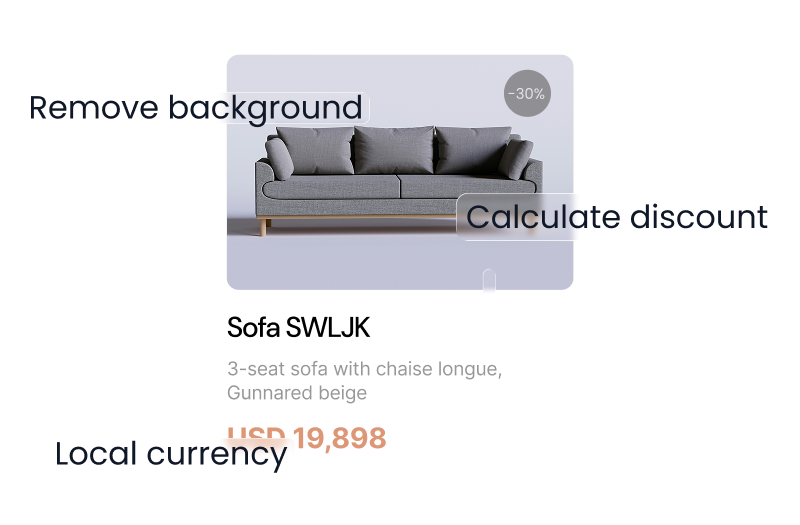
AI background removal
Automatically remove product backgrounds with AI to create clean, consistent visuals at scale.
Built for Story & Reels formats
Design vertical 9:16 creatives for placements like Stories, Reels, and TikTok -optimized for mobile-first performance.
Always-on personalization
Deliver relevant, product-level ads tailored to each user with dynamic content.
Frequently asked questions
Everything you need to know about Catalog Ads
What are catalog ads?
Catalog ads, also called dynamic product ads, automatically generate advertising creatives from your product feed. Products, prices, and promotions are dynamically inserted into templates, showing the most relevant products to your audience.
How do dynamic catalog ads improve ROAS?
Dynamic catalog ads show the right products to the right people at the right time. When combined with validated feeds and automated creatives, they boost relevance, click-through rates, and return on ad spend.
Can I control how my products appear in ads?
Yes. Campaign Builder lets you define naming conventions, pricing rules, promotions, and language variations, giving you full control over ad appearance across campaigns.
Which ecommerce platforms are supported?
You can import feeds from all major ecommerce platforms, feed tools, direct URLs, and spreadsheets like Google Sheets.
Create More Catalog Ads. In Less Time
Stop Managing Feeds, Creatives, and Campaigns Separately
Unify feed validation, creative automation, and multi-network publishing in one performance engine.










.png)